


Connect the Dots Printables
Pick a picture and how many dots to count to, or upload a simple image and turn its outline into a dot to dot puzzle.
1 page
Print at “Actual size” for the exact line height. Nothing you type leaves your browser.
Use your own picture
A dark shape on a light background works best: a silhouette, clip art or a bold drawing. The picture stays on your device.
How to make a dot to dot worksheet
- Pick a picture Choose a star, heart, house, fish, rocket and more, or upload your own.
- Choose the dots 10 dots for preschoolers up to 60 for confident counters.
- Add a hint A faint outline helps younger children see the shape.
- Print Download the PDF, connect the dots in order, then color the picture.
Why dot to dot works
Connect-the-dots puzzles combine counting, number recognition and pencil control in one activity children actually want to finish. Following numbers in order practises number sequence, and drawing straight lines between dots builds the hand control needed for handwriting.
Choosing the number of dots
| Dots | Good for |
|---|---|
| 10 | Ages 3–4, learning numbers 1 to 10 |
| 15–20 | Ages 4–5, counting to 20 |
| 30–40 | Kindergarten and first grade |
| 60 | Confident counters, more detailed pictures |
Making your own
Upload a picture with one clear, dark shape on a light background, such as an animal silhouette or a bold drawing. The outline of the largest shape is traced and turned into numbered dots in your browser. Your picture is never uploaded.
Guides
Frequently asked questions
Are these connect the dots printables free?
Yes. Every picture and the custom maker are free, with no sign-up.
Can I make a dot to dot from my own picture?
Yes. Choose “My own picture” and upload a simple image with a dark shape on a light background.
How many dots should a dot to dot have for a preschooler?
About 10 to 15 dots, with the faint outline turned on.
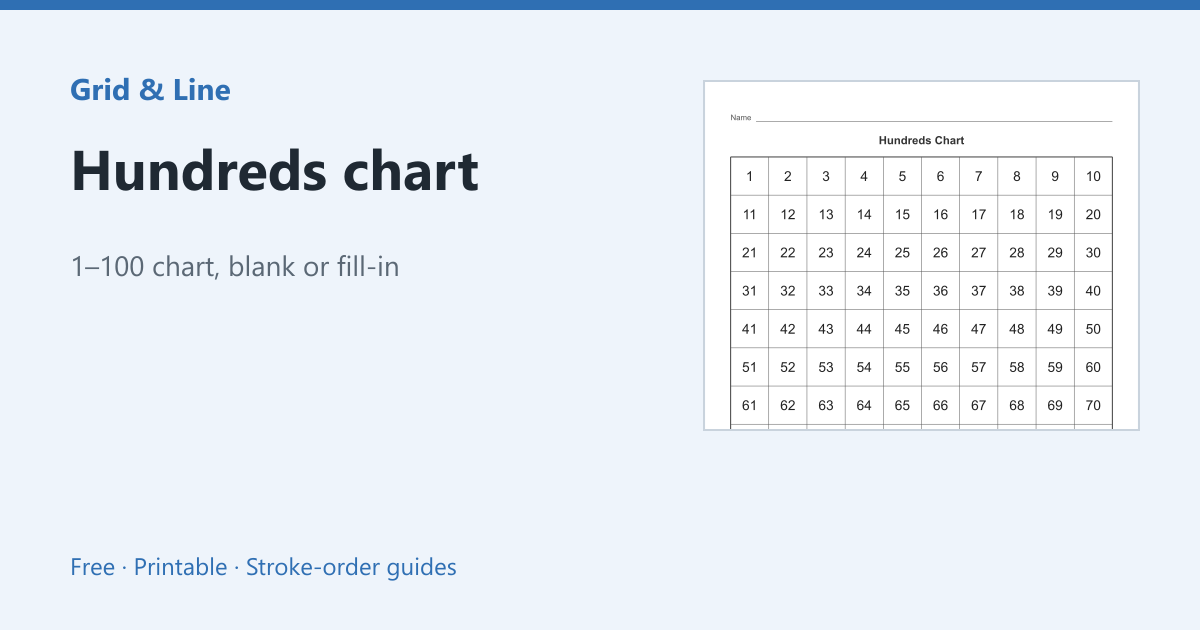 Hundreds chart
 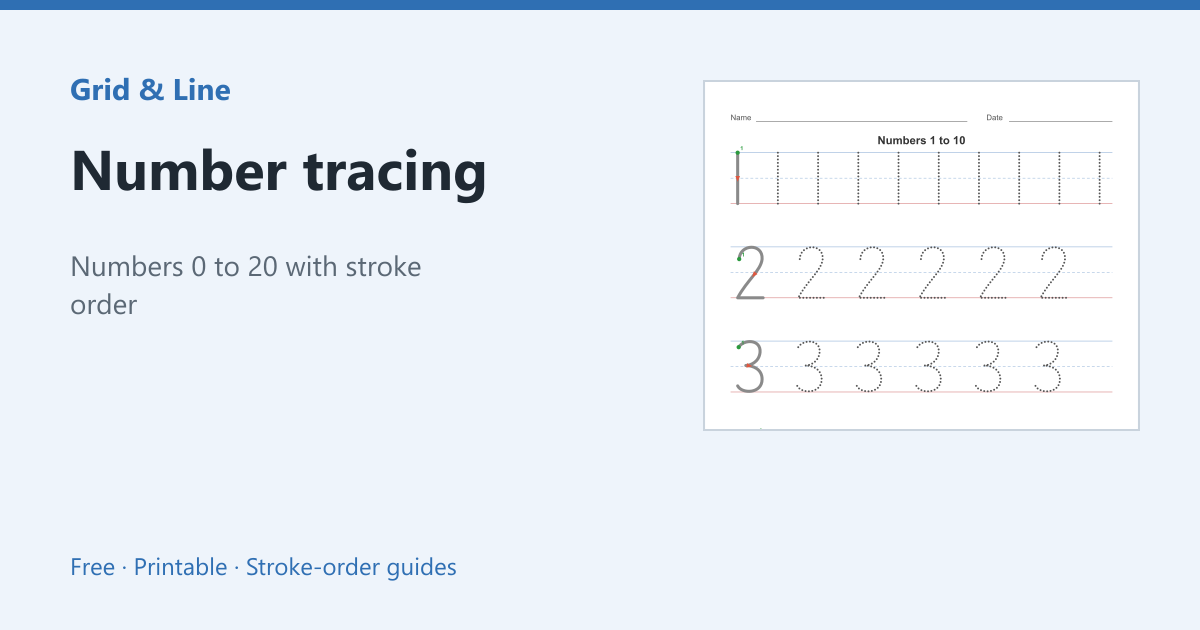 Number tracing
 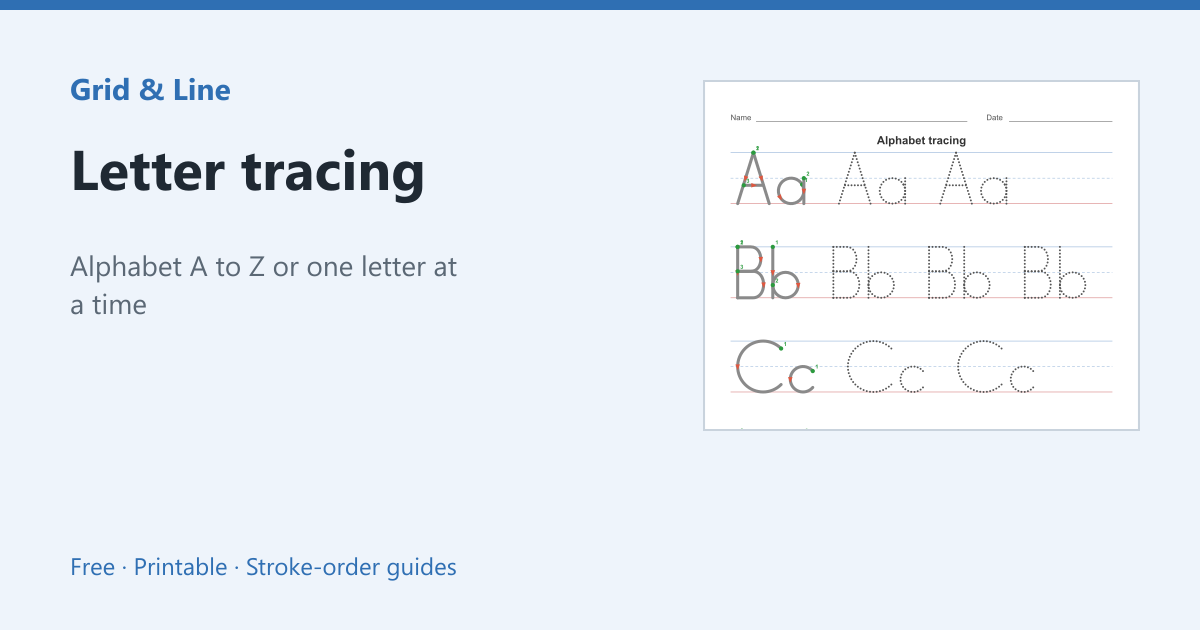 Letter tracing
 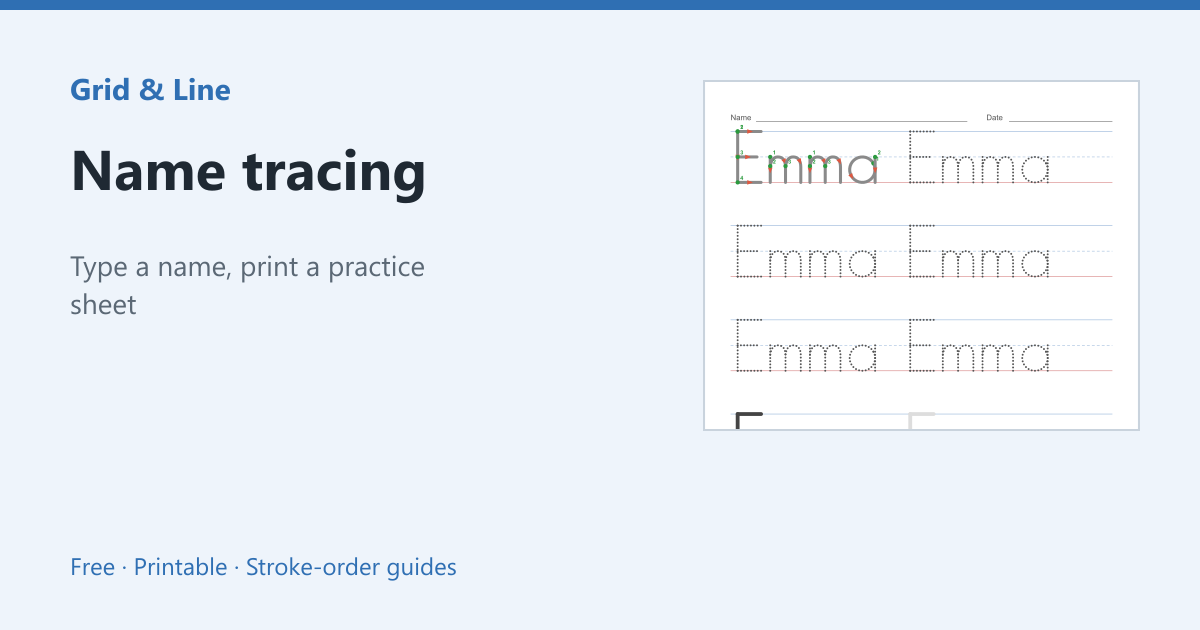 Name tracing