


Online Graph Paper
A virtual sheet of graph paper you can draw on with a mouse, finger or stylus. Plot points and lines that snap to the grid, turn on axes, then save or print.
Your drawing stays in this browser tab. Download a PNG to keep it.
How to use online graph paper
- Set up the grid Choose the square size and turn on x and y axes if you are plotting coordinates.
- Pick a tool Pen for freehand, Line and Point snap to grid intersections, Eraser removes what you touch.
- Draw Use a mouse, touchscreen or stylus. Undo any step.
- Save Download a PNG or print the page when you are done.
What you can do with it
- Plot points that snap exactly onto grid intersections. With axes on, each point is labelled with its coordinates.
- Draw straight lines between grid points for graphs of linear equations, polygons and geometric transformations.
- Sketch freehand for curves, diagrams and quick floor plans.
- Present and teach on an interactive whiteboard or projector: the grid fills the screen and nothing needs installing.
Tips
Press Ctrl+Z to undo. Choose larger squares on a tablet so points are easy to hit with a finger. When you need a blank sheet to print rather than draw on screen, use the printable graph paper generator, which makes an exact-size PDF.
Your drawing stays in your browser. Nothing is uploaded, and it disappears when you close the page, so download a PNG to keep it.
Frequently asked questions
Is there free graph paper I can draw on online?
Yes. This page is a free virtual graph paper: draw with a mouse, finger or stylus, then save a PNG or print it.
Can I plot coordinates on it?
Yes. Turn on the axes, choose the Point tool and click on grid intersections; each point shows its (x, y) coordinates.
Does it work on tablets and touchscreens?
Yes. It works with touch and stylus input as well as a mouse.
Can I print the online graph paper?
Yes. Click Print to print your drawing, or download a PNG.
Can I save a drawing and come back to it?
The drawing stays in the browser tab only. Download the PNG before closing the tab; there is no account or cloud save.
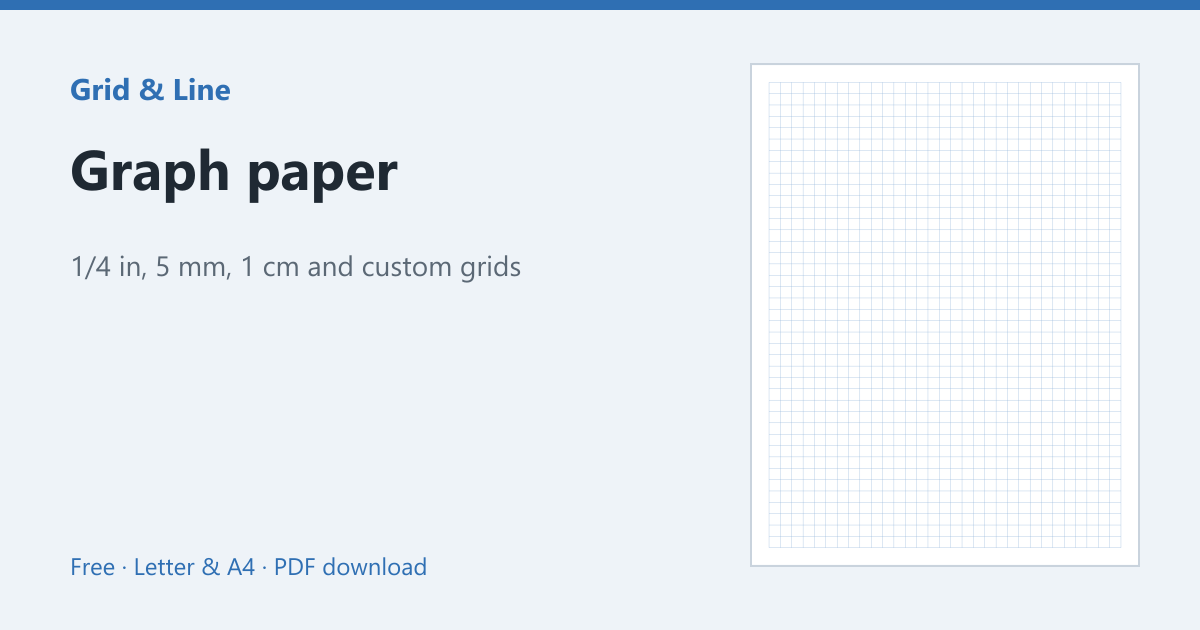 Graph paper
 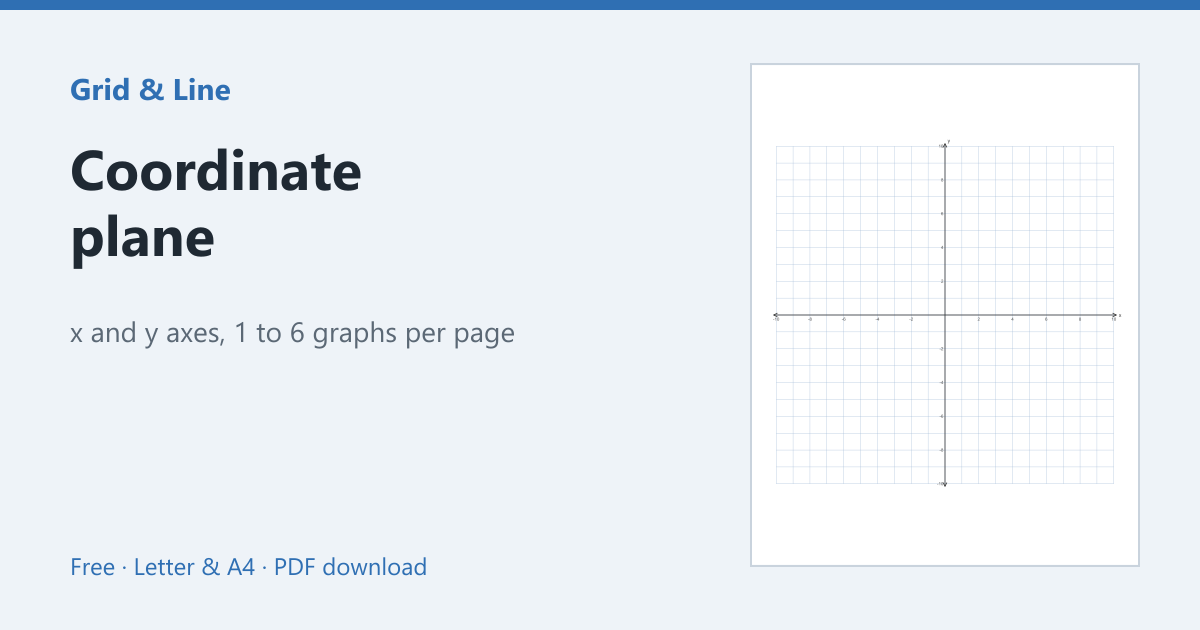 Coordinate plane
 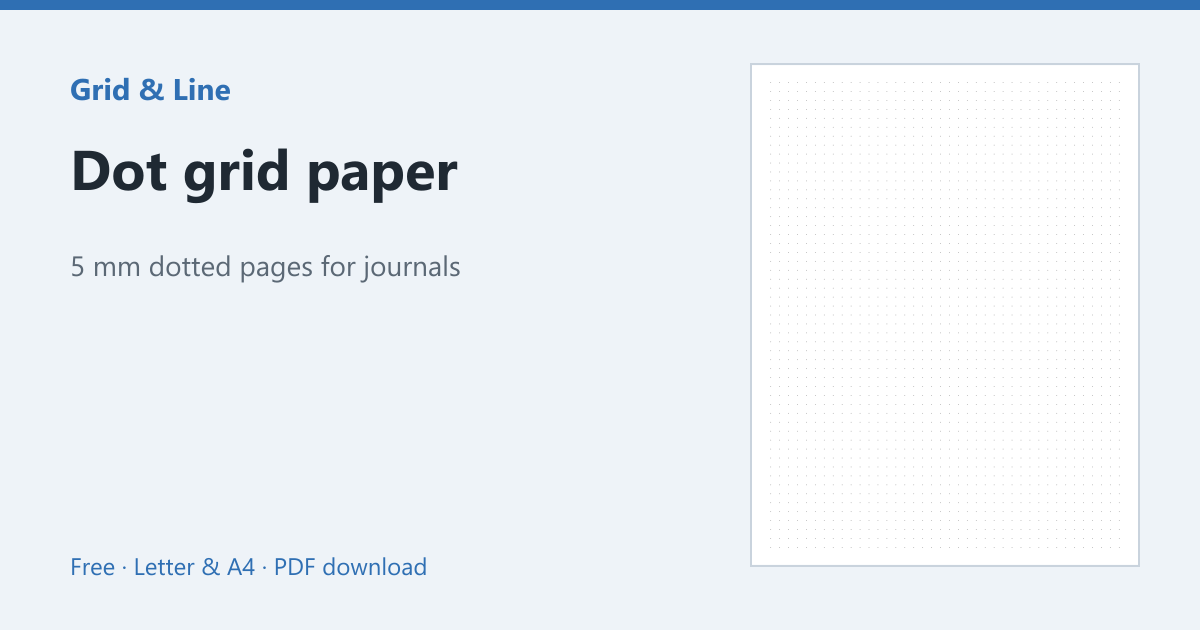 Dot grid paper
 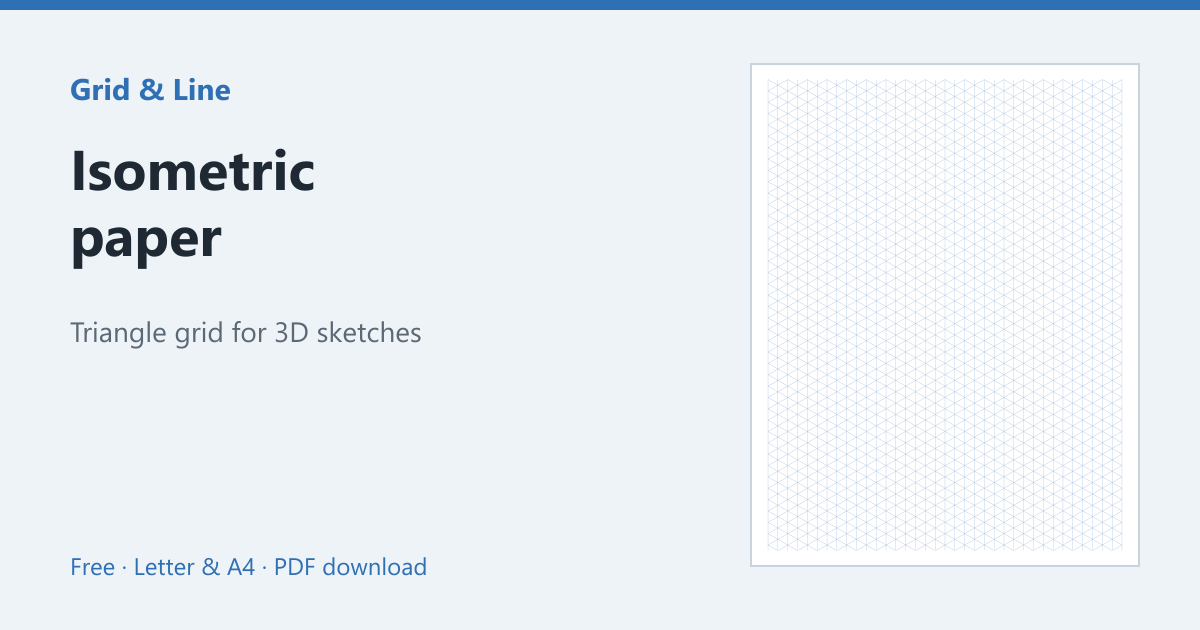 Isometric paper