


How tiling works
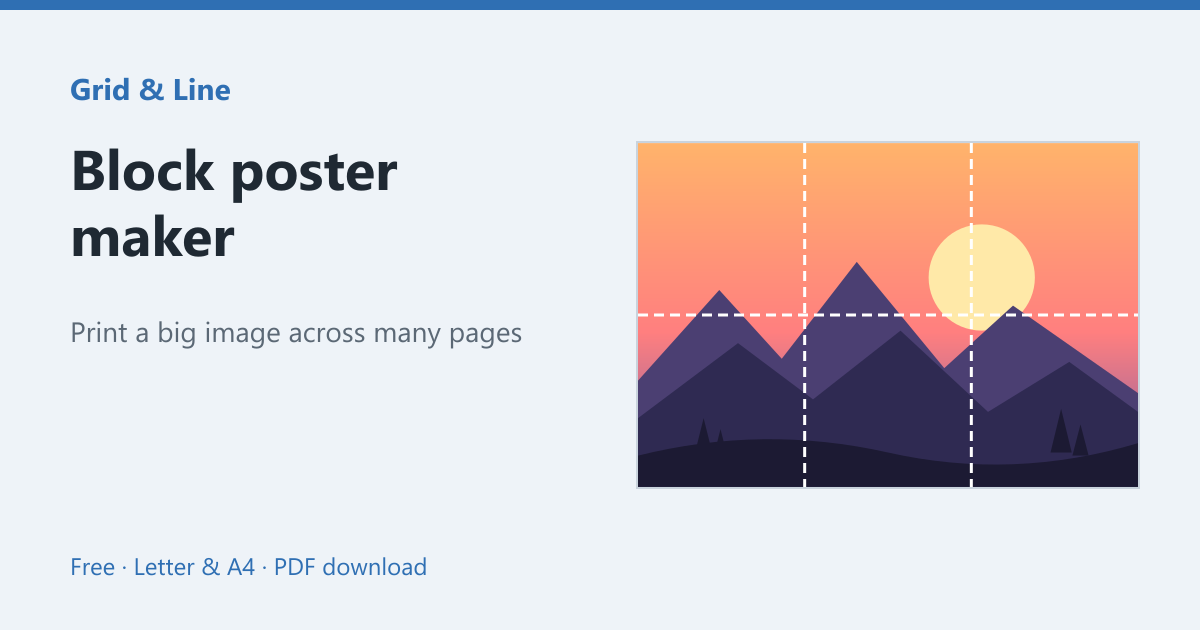
The poster is divided into rows and columns. Page 1 is the top-left tile, page 2 the next tile across, and so on. Each page prints at 100% with no scaling; the tile grid is what makes the final size predictable.
Printing and assembling
- Choose the poster size and paper size, then download the PDF.
- Print every page at Actual size or 100%.
- Lay the pages out on the floor in order.
- Trim the right and bottom margins of each tile.
- Tape the tiles together from the back, then trim the outer edge.
Getting the size right
A 2 × 2 grid on Letter paper gives roughly 17 × 22 inches; on A4 it is about 420 × 594 mm. A 4 × 4 grid is four times wider and taller. Leave a small overlap so gaps do not show, and check one tile with a ruler before printing the rest.
Alternatives
For a single large sheet, a print shop can do an engineer print. For a poster that will be viewed close up, use heavier paper and a larger grid so the image has more resolution. The block poster maker handles the splitting for you.
In practice
A teacher wants a large map for the classroom wall but has no plotter. A 3 × 3 block poster on Letter paper produces a roughly 25 × 33 inch map from nine sheets, with only a printer, tape and a ruler.
Common mistakes
| Problem | Usually because | What to do |
|---|---|---|
| Pages do not line up | One page was scaled | Print every page at 100% |
| White gaps show | No overlap between tiles | Leave a 5 mm overlap and trim one edge |
| The poster is smaller than expected | The wrong grid was chosen | Check the tile count and paper size first |
 Block poster maker
  Blank PDF
  Graph paper