


The three zones
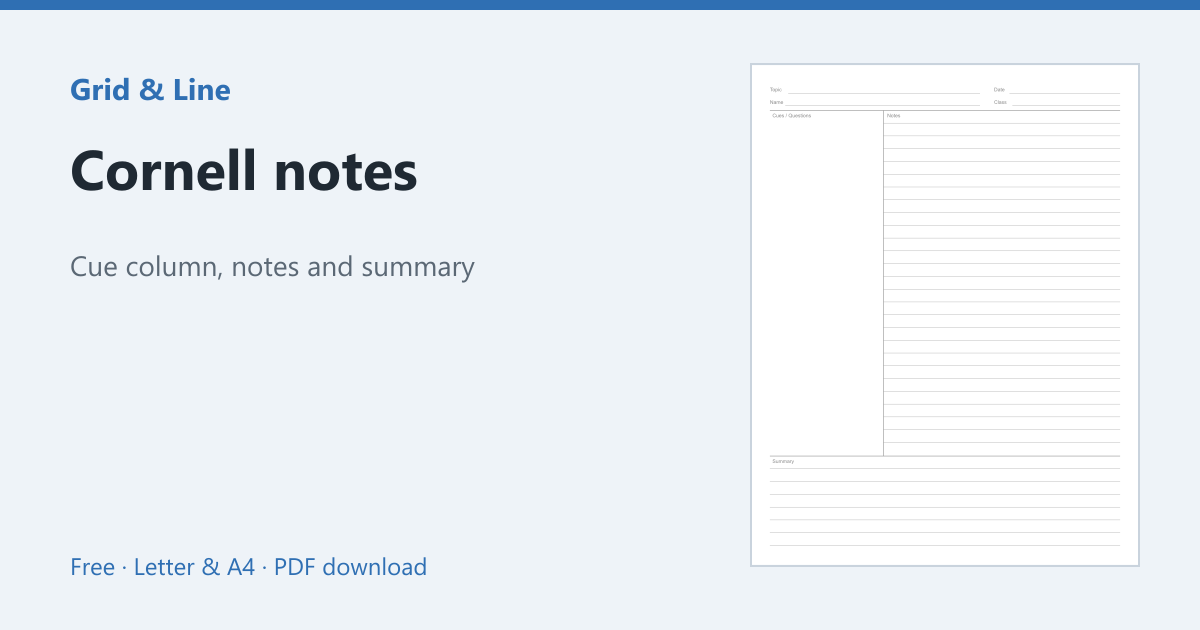
A Cornell page has three parts: a cue column about 2.5 inches wide, a notes area for the lecture or reading, and a summary box at the bottom. The vertical line and the summary line are printed before you start, so the structure is ready when the class begins.
How to take the notes
- Write the date and topic at the top.
- Take normal notes in the wide right-hand area.
- After class, write questions or keywords in the cue column.
- Summarise the page in two or three sentences at the bottom.
- To review, cover the notes and answer the cues aloud.
Why it works
The layout separates recording from reviewing. The cue column turns notes into questions, and the summary forces you to compress the page into its main idea. That active recall is more effective than rereading highlighted text.
Paper and printing
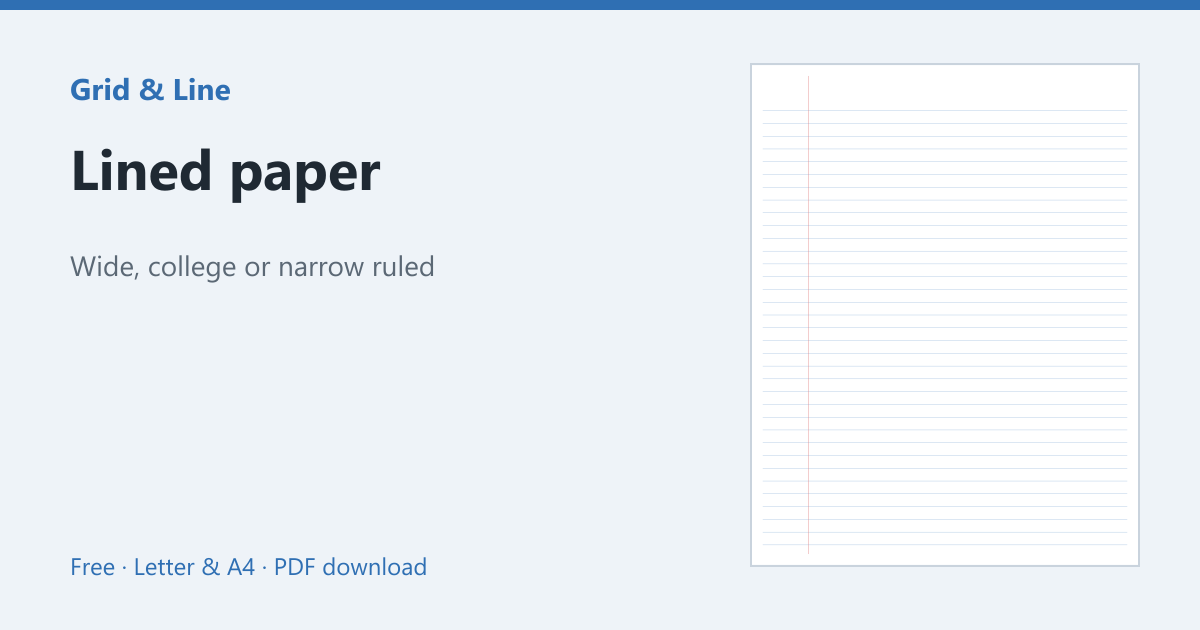
College ruled lines fit more notes; wide ruled is easier for younger students. The Cornell notes template lets you set the cue width, summary height and line spacing, and supports Letter and A4. If you prefer plain lines, use lined paper and draw the divisions by hand.
In practice
A college student takes notes in class and rereads them before the exam. With Cornell notes, the cue column becomes a set of practice questions and the summary becomes a one-paragraph revision sheet, so the same page supports active recall.
Common mistakes
| Problem | Usually because | What to do |
|---|---|---|
| The cue column stays empty | It is left until the night before | Write cues within 24 hours |
| The summary repeats the notes | It is written during the lecture | Summarise after class in your own words |
| Notes are too cramped | The cue column is too wide | Keep it around 2.5 inches |
 Cornell notes
  Lined paper
  Graph paper