


Why it looks different
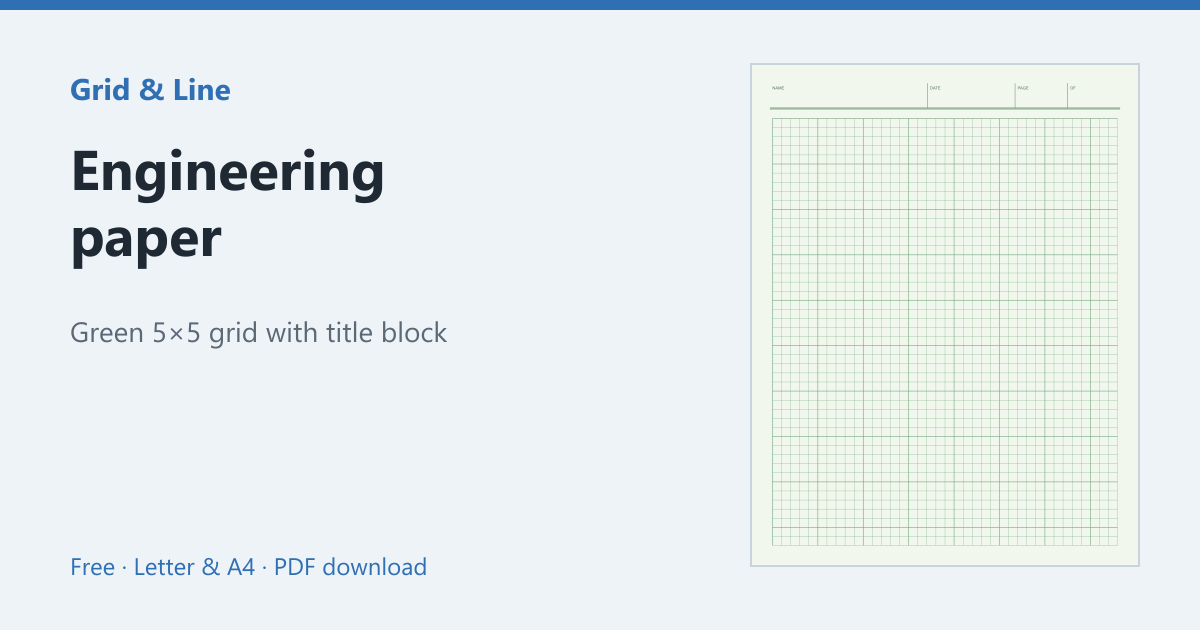
Engineering paper is designed for pencil work. The pale green sheet cuts glare under bright studio lights, and the grid is printed on the back so it shows through as a light guide rather than a heavy line. The result is a page that stays readable after erasing and re-drawing.
The title block
Most pads have a header block across the top for Name, Date, Page and sometimes the project or course. Fill it in first: engineering homework is often submitted as loose pages, and an unlabelled sheet is easy to lose. The generator can print this header for you.
What the grid is for
The standard US grid is 5 squares per inch, which makes it easy to sketch to scale and to line up calculations with diagrams. Metric pads use 5 mm squares. Neither is a substitute for a ruler, but the grid keeps freehand lines straight and makes quick plots readable.
Printing your own
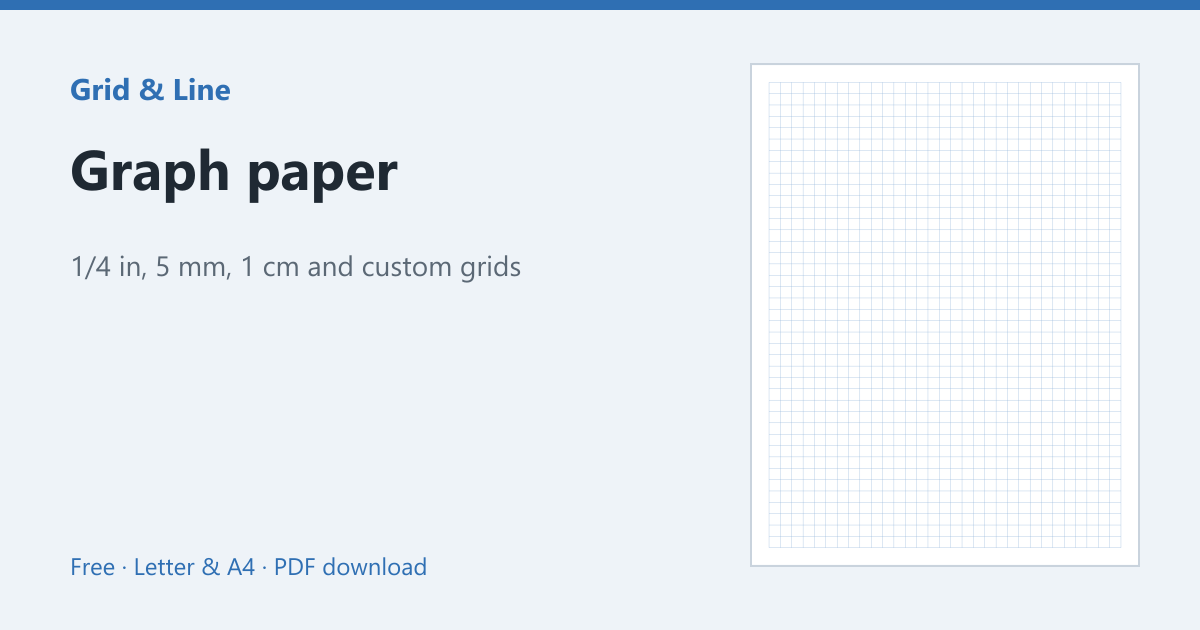
Use the engineering paper generator to choose Letter or A4, turn the green tint on or off, and add the title block. Print at Actual size so the 1/5 inch grid stays exact. For plain square grids, see graph paper or graph paper sizes.
In practice
An engineering student works a problem on the front and needs the grid only as a faint guide. The green sheet and back-printed grid keep the page readable under studio lights while the title block identifies the loose sheet at submission.
Common mistakes
| Problem | Usually because | What to do |
|---|---|---|
| The grid competes with the drawing | Grid printed on the front at full strength | Use the back-grid version or a lighter line |
| Pages get mixed up | The title block is blank | Fill in name, date and page first |
| The drawing is not to scale | Ignoring the 5 × 5 grid | Use the grid for scale or a ruler |
 Engineering paper
  Graph paper
  Coordinate plane